September 30, 2026
New Controls to Help Parents Guide Their Teens on WhatsApp
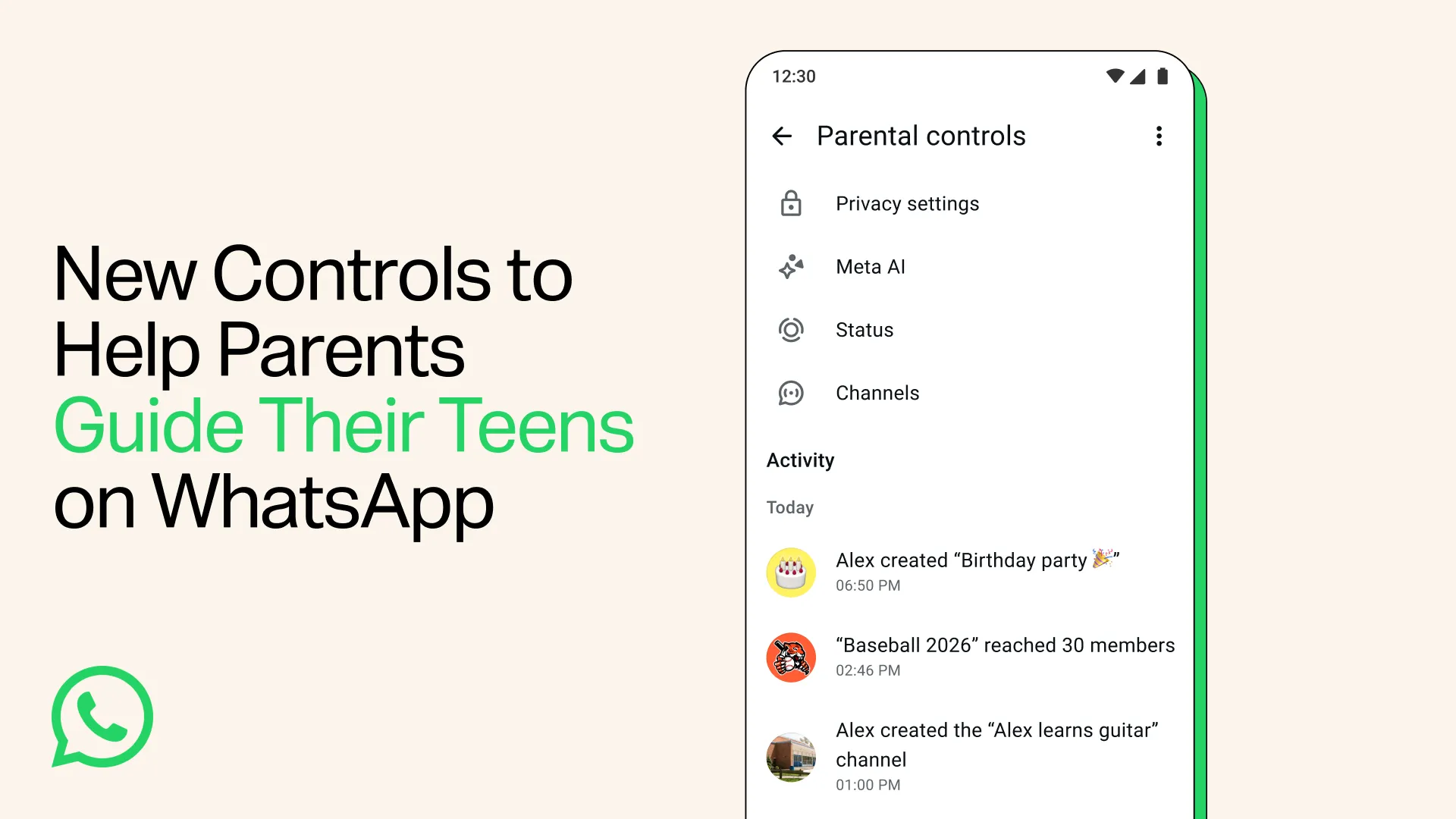
As teens grow up, so does the way they communicate. Parents have told us they want to be there to guide them without reading over their shoulder.
Today we're introducing parental controls for teens - a set of flexible, optional tools that parents and teens can set up together to help families choose the WhatsApp experience that's right for them.
Parents will be able to choose the right privacy settings for their teen, like who can see their profile photo or add them to groups. If a teen wants to relax any of those settings, they'll need their parent's approval via a parent-set PIN.
To stay on top of who their teen is connecting with, parents are notified when their teen joins or leaves a group, or when a group their teen is in grows meaningfully in size. Parents will be able to choose how their teen can use Channels, whose Status updates they can see, and who can see theirs. Parents can also now decide on the Meta AI experience that's right for their teen, which includes choosing between the default 13+ setting and a stricter 'Limited Content' option.
This is just the start. We're building these controls step by step, based on what families tell us they need. All of these controls are being designed to support open conversations about how to use WhatsApp between parents and teens, while keeping everyone's personal messages private.
They're straightforward to set up, with a single PIN and clear alerts to keep parents in the loop. And because every family is different, parental controls for teens are entirely optional. Parents choose how much support their teen needs, and can adjust or switch the controls off at any time. Even with controls turned on, your teen's personal messages and calls stay private and protected by end-to-end encryption. No one outside of the chat, not even WhatsApp, can see or hear them.
To learn more about setting up parental controls for teens and other ways for parents to support their family's experience on WhatsApp, visit our Help Center.