Lumaktaw papunta sa content
  • Home
  • Mga App
    • PagtawagPagme-messageMga GroupStatusMga ChannelMeta AISeguridad
  • Privacy
  • Help Center
  • Blog
  • Para sa Business
I-download
Mga Tuntunin at Patakaran sa Privacy2025 © WhatsApp LLC
Pangunahing Page ng WhatsAppPangunahing Page ng WhatsApp
    • Pagtawag

      Manatiling konektado gamit ang boses at video.

    • Pagme-message

      Sabihin ito gamit ang mga sticker, boses, GIF, at marami pa.

    • Mga Group

      Mga feature sa pagme-message na kailangan mo para kumonekta sa mga group.

    • Mga Channel

      Manatiling updated sa mga topic na mahalaga sa iyo.

    • Meta AI

      Makakuha ng tulong sa kahit ano, lahat ng ito nang may kaligtasan at privacy sa WhatsApp.

    • Status

      Ibahagi ang iyong araw-araw na mga litrato, video at mga voice note.

    • Seguridad

      Mga layer ng proteksyon para tulungan kang manatiling ligtas.

  • Privacy
  • Help Center
  • Blog
  • Para sa Business
  • Mga App
Mag-log inI-download
Bumalik sa Blog
WhatsApp Blog

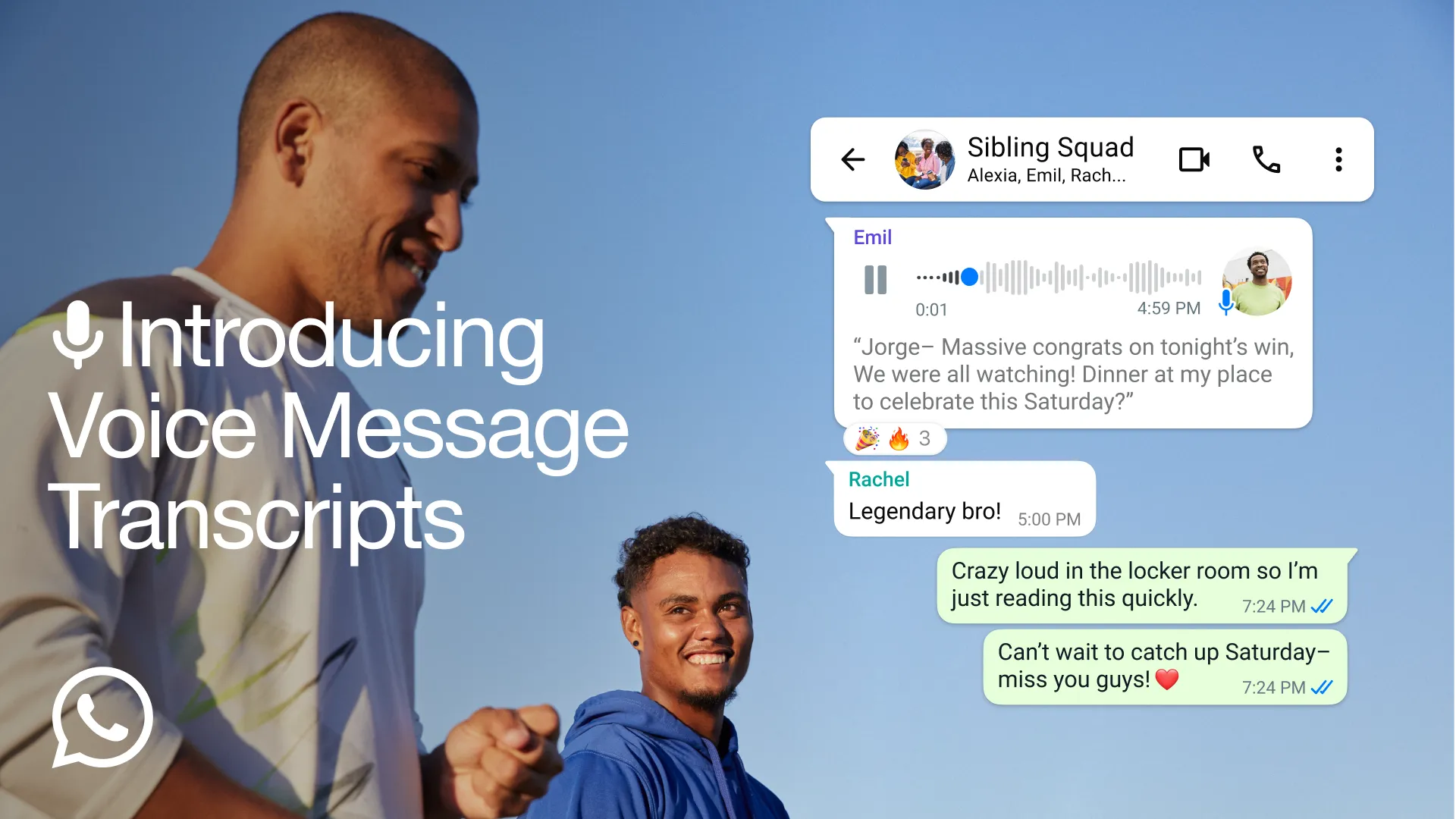
Introducing Voice Message Transcripts

Sending a voice message makes connecting with friends and family even more personal. There’s something special about hearing your loved one’s voice even when you’re far away. Though sometimes, you’re on the move, in a loud place, or you receive a long voice message that you just can’t stop and listen.

For those moments we’re excited to introduce voice message transcripts. Voice messages can be transcribed into text to help you keep up with conversations no matter what you’re doing.

Transcripts are generated on your device so that no one else, not even WhatsApp, can hear or read your personal messages.

To get started, go to Settings > Chats > Voice message transcripts to easily turn transcriptions on or off and select your transcript language. You can transcribe a voice message by long pressing on the message and tapping on ‘transcribe’. We’re excited to build on this experience and make it even better and more seamless.

Transcripts are rolling out globally over the coming weeks with a few select languages to start though we plan to add more over the coming months. You can learn more about how they work and which languages are currently supported by clicking here.

November 21, 2024

I-download
Main Logo ng WhatsApp
I-download
Ano ang ginagawa namin
Mga FeatureBlogSeguridadPara sa Business
Sino kami
Tungkol sa aminMga CareerBrand CenterPrivacy
Gamitin ang WhatsApp
AndroidiPhoneMac/PCWhatsApp Web
Kailangan ng tulong?
Kontakin KamiHelp CenterMga AppMga Advisory sa Seguridad
I-download

2025 © WhatsApp LLC

Mga Tuntunin at Patakaran sa PrivacySitemap