June 29, 2026
It’s time to reserve your WhatsApp username
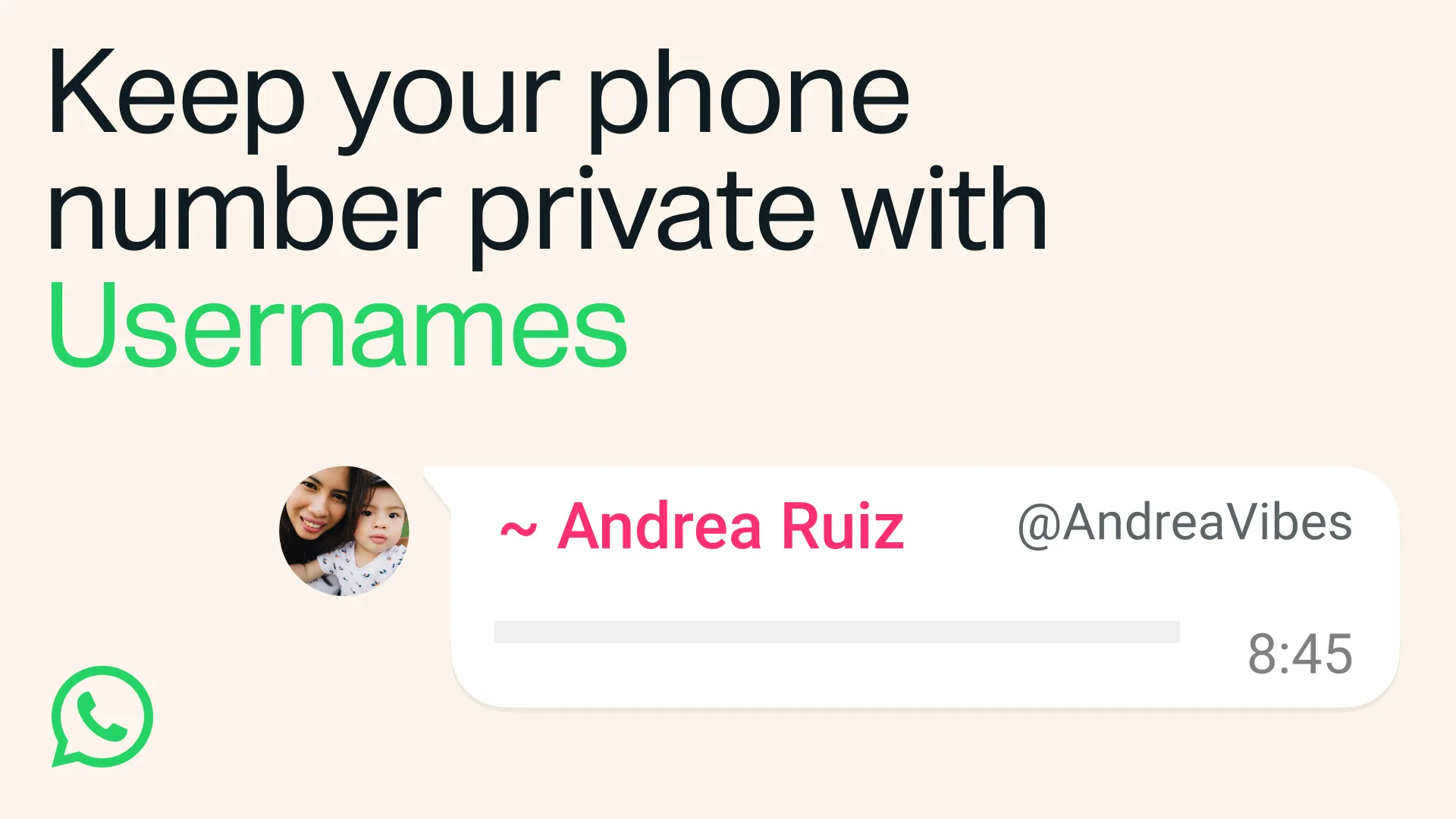
When someone new walks into your life – a classmate, a neighbor, someone you meet at an event – sharing a phone number can feel like a big step. That’s because a phone number is personal and it’s tied to so many parts of your life. Sometimes you just want to chat without handing over your digits.
This is also true for group conversations. You want to join the parent chat for the soccer team but you’re not ready to give your phone number to people you've never met.
That's why we're introducing usernames for WhatsApp. Starting this week, you can reserve a username to use later this year when we launch this feature. With over three billion people on WhatsApp a lot of names overlap, which is why we're opening reservations early so everyone has the opportunity to select the username that matters to them.
For most people, choosing a WhatsApp username should be something unique that only people you want to contact you will know. If you need help picking one, we have a username generator to make one work just for you.
We also know that some people like creators, small businesses, and organizations may want to maintain a consistent presence online. For them, we reserved an option to claim their existing Instagram or Facebook username on WhatsApp.
Usernames are our latest step to make WhatsApp even more private. There's no directory to browse and no suggestions – people will need to know your exact username to contact you for the first time. To help control who can reach you on WhatsApp with your username, we've built an optional username key that others will need to know to message you.
Once we launch usernames, when you message a person or business for the first time they will no longer see your phone number, if you enabled your username.
Reserving your optional username takes just a few seconds on the latest version of WhatsApp – go to Settings > Account > Username.
We'll be rolling out usernames gradually over the coming months and will notify you in WhatsApp when they're available in your country.
