January 27, 2026
WhatsApp's Latest Privacy Protection: Strict Account Settings
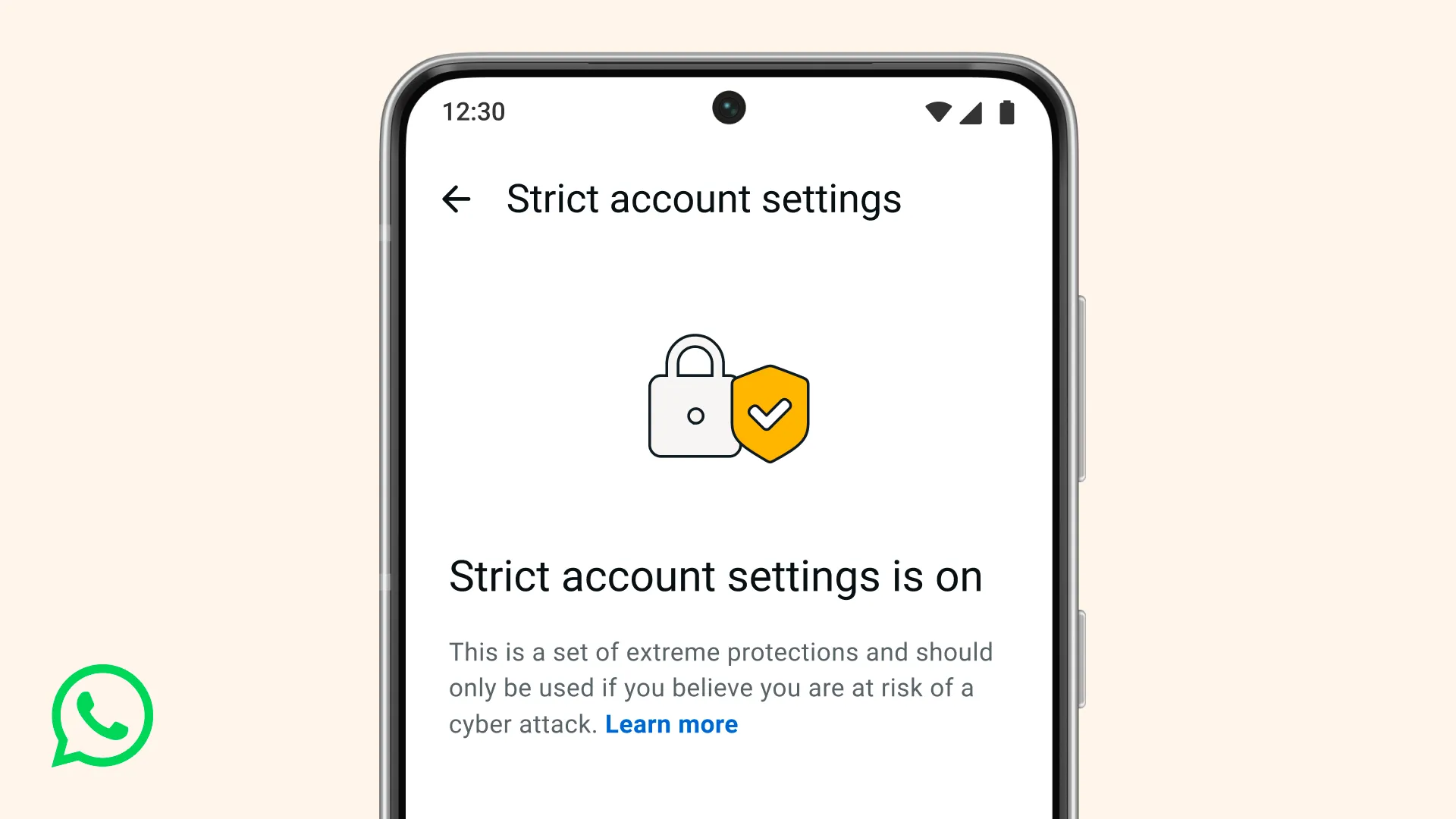
At WhatsApp, we think you should be able to have a private conversation online, just like you would in-person. We will always defend that right to privacy for everyone, starting with default end-to-end encryption. But we also know that a few of our users – like journalists or public-facing figures – may need extreme safeguards against rare and highly-sophisticated cyber attacks.
That’s why today we’re announcing a new, lockdown-style feature called Strict Account Settings.
If you turn this on, certain account settings will lock to the most restrictive settings, and it will limit how your WhatsApp works in some ways, like blocking attachments and media from people not in your contacts. You can enable Strict Account Settings – which is rolling out gradually over the coming weeks – by going to Settings > Privacy > Advanced.
Strict Account Settings is one of many ways we’re working to protect you from the most sophisticated of cyber threats. We’ve also rolled out a programming language called Rust behind the scenes to help keep your photos, videos, and messages safe from things like spyware, so you can share and chat with confidence. To go deeper in the tech, click here.